Brand
The six squares, the wordmark, the colours and the type that make Tiny Bit Adventures look like Tiny Bit Adventures. Download the assets below; the rest of this page explains how to use them.
Logo
One drawing in a few treatments: the lockup where there is room, the bare mark where there isn't, and the tile or avatar only where a square icon is required.

Lockup
Mark and wordmark, for headers, documents and anywhere there is room.
- tinybit-lockup.svg SVG, for dark backgrounds
- tinybit-lockup-light.svg SVG, for light backgrounds
- tinybit-lockup-white.svg SVG, all white
- tinybit-lockup-card.svg SVG, on its own night card
- tinybit-lockup-large.png PNG, 544px tall
- tinybit-lockup-light-large.png PNG, light backgrounds
- tinybit-lockup-white-large.png PNG, white
- tinybit-lockup-card-large.png PNG, night card







Stacked lockup
For square spaces: posters, splash screens, the end of a trailer.
- tinybit-stacked.svg SVG, for dark backgrounds
- tinybit-stacked-light.svg SVG, for light backgrounds
- tinybit-stacked-large.png PNG, 800px tall
Mark
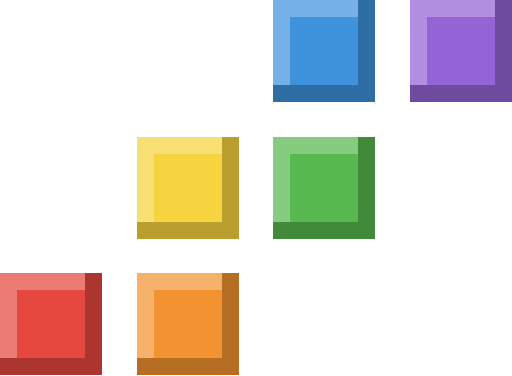
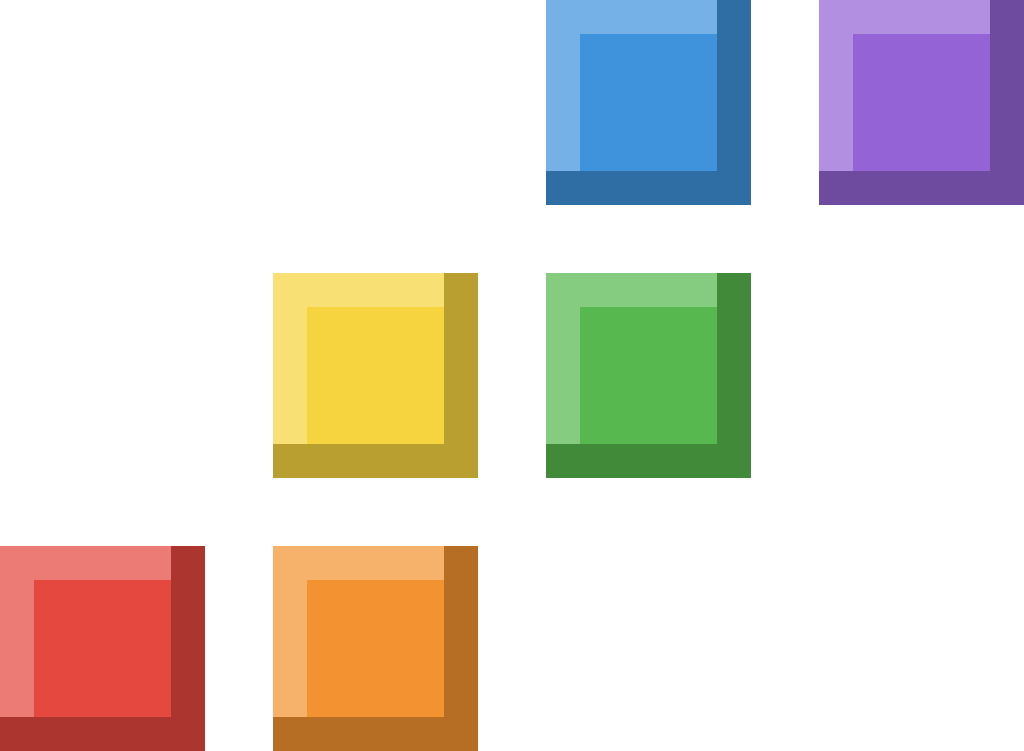
The six squares on their own. Use it when space is tight or the name is already nearby.
- tinybit-mark.svg SVG, crayon with bevel
- tinybit-mark-flat.svg SVG, crayon flat, for 32px and smaller
- tinybit-mark-white.svg SVG, white
- tinybit-mark-ink.svg SVG, ink
- tinybit-mark-512.png PNG, 512
- tinybit-mark-1024.png PNG, 1024
- tinybit-mark-white-512.png PNG, white 512
- tinybit-mark-ink-512.png PNG, ink 512




App icon
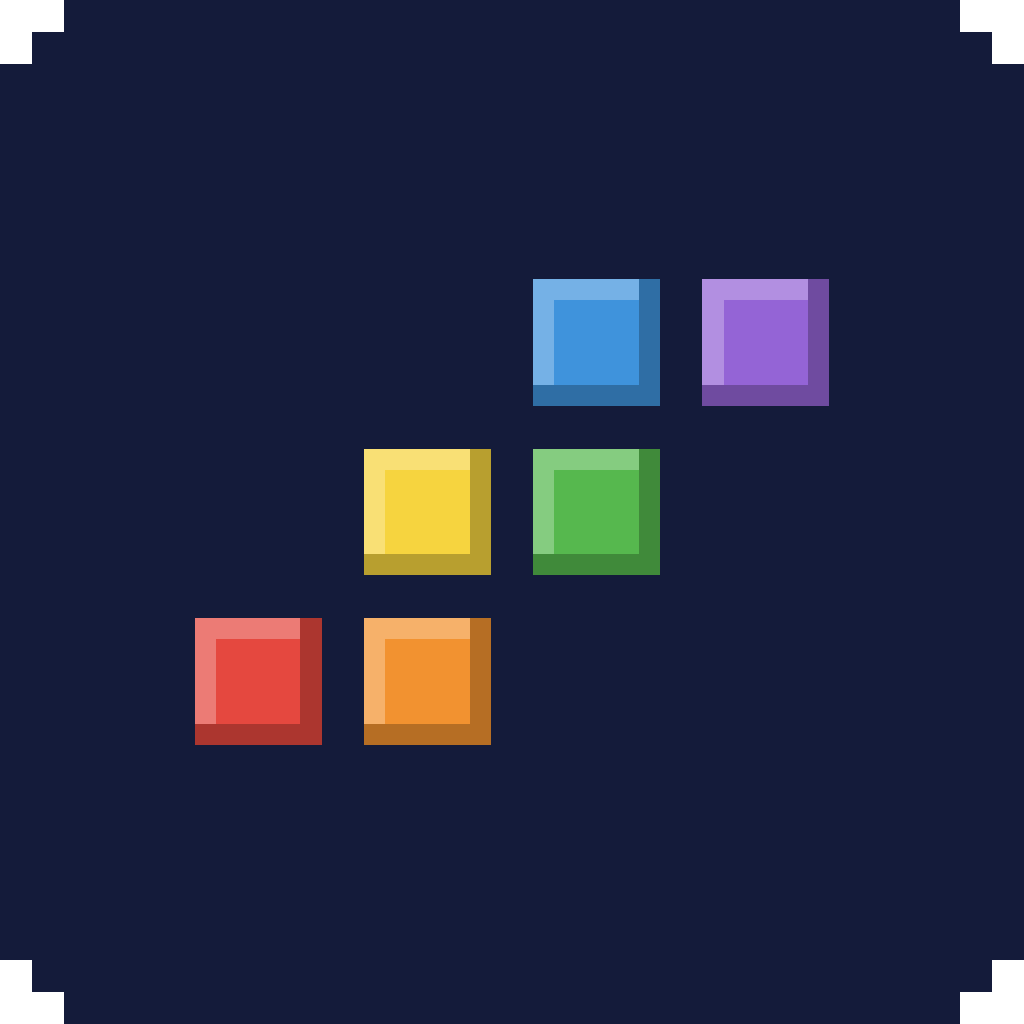
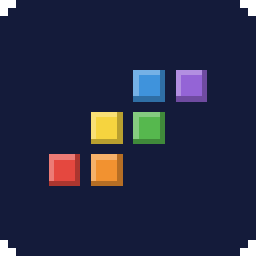
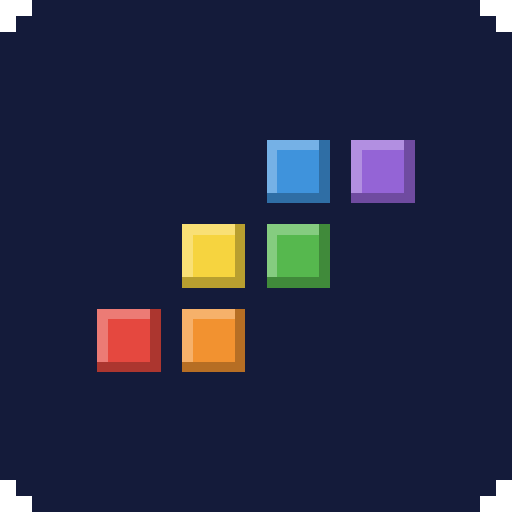
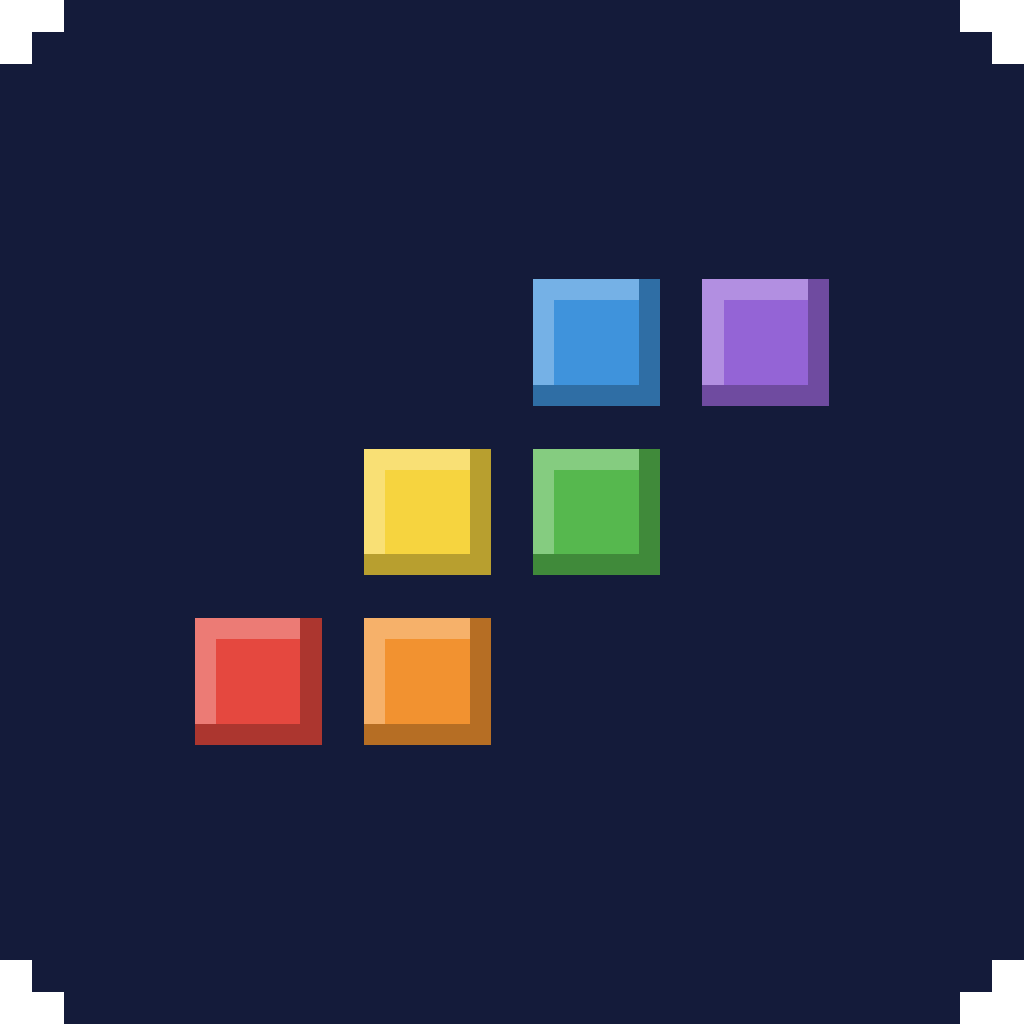
The mark on a night tile with stepped pixel corners. For app icons and anywhere a square icon is required.
- tinybit-icon-tile.svg SVG
- tinybit-icon-tile-256.png PNG, 256
- tinybit-icon-tile-512.png PNG, 512
- tinybit-icon-tile-1024.png PNG, 1024
- tinybit-apple-touch-icon.png PNG, 180 for iOS
Social avatar
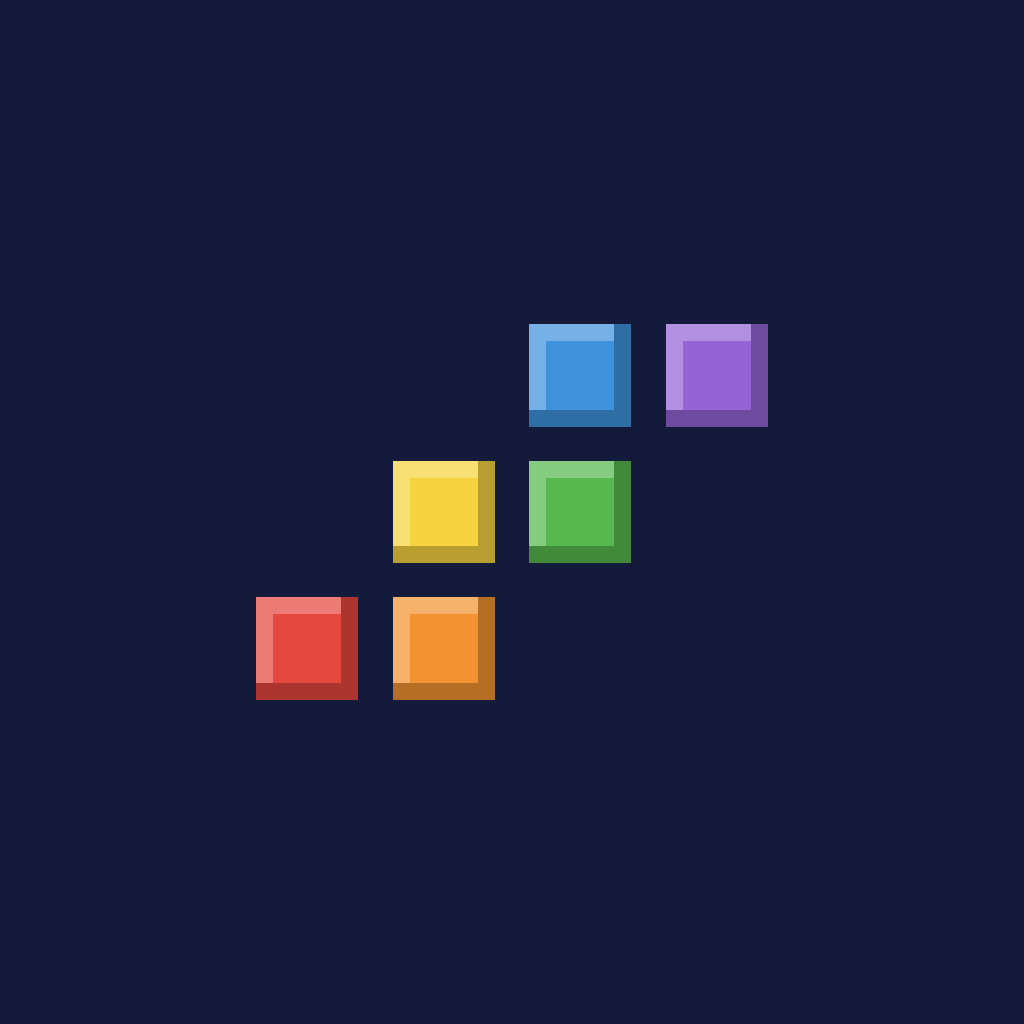
The mark with extra room so circular crops (GitHub, YouTube, Discord) never clip a square.
- tinybit-avatar.svg SVG, night background
- tinybit-avatar-1024.png PNG, 1024
- tinybit-avatar-400.png PNG, 400
- tinybit-avatar-transparent-1024.png PNG, transparent

Favicon
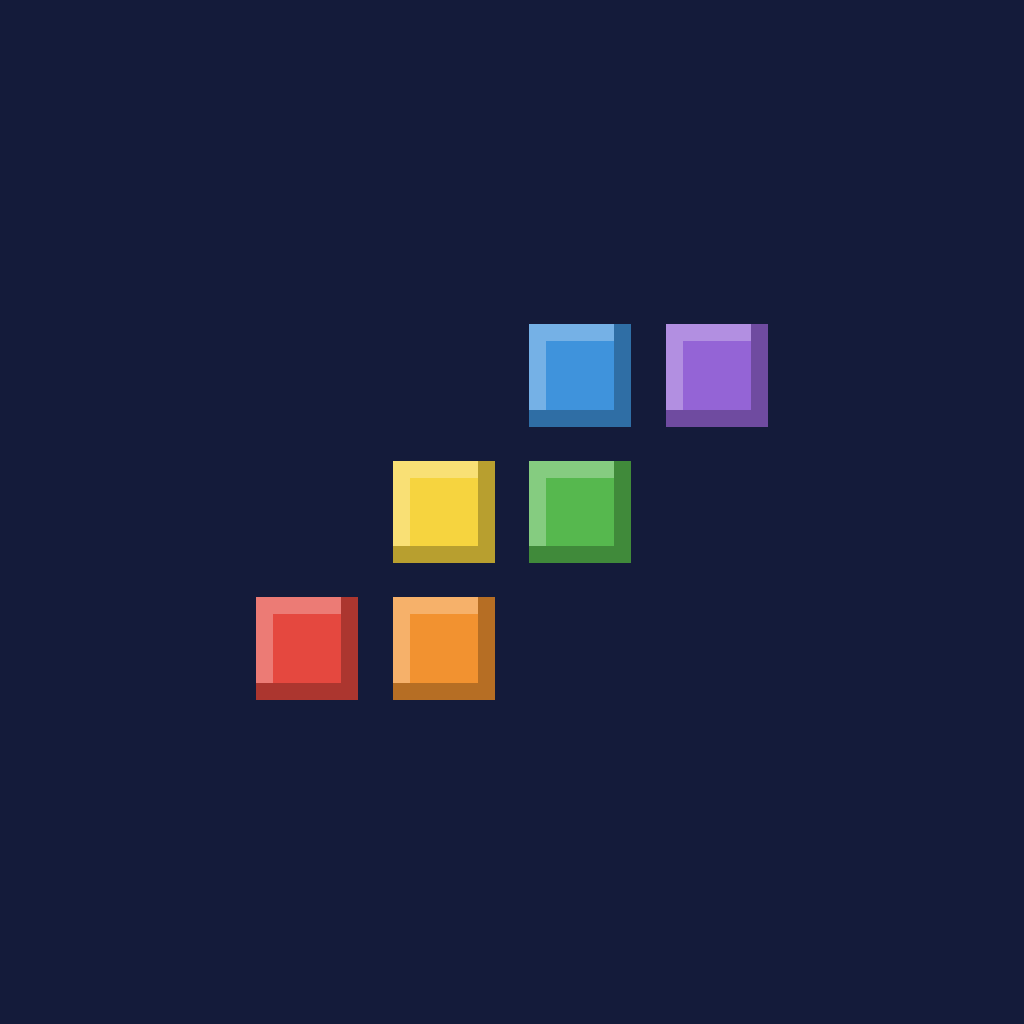
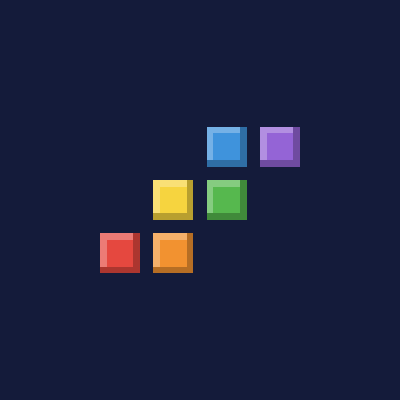
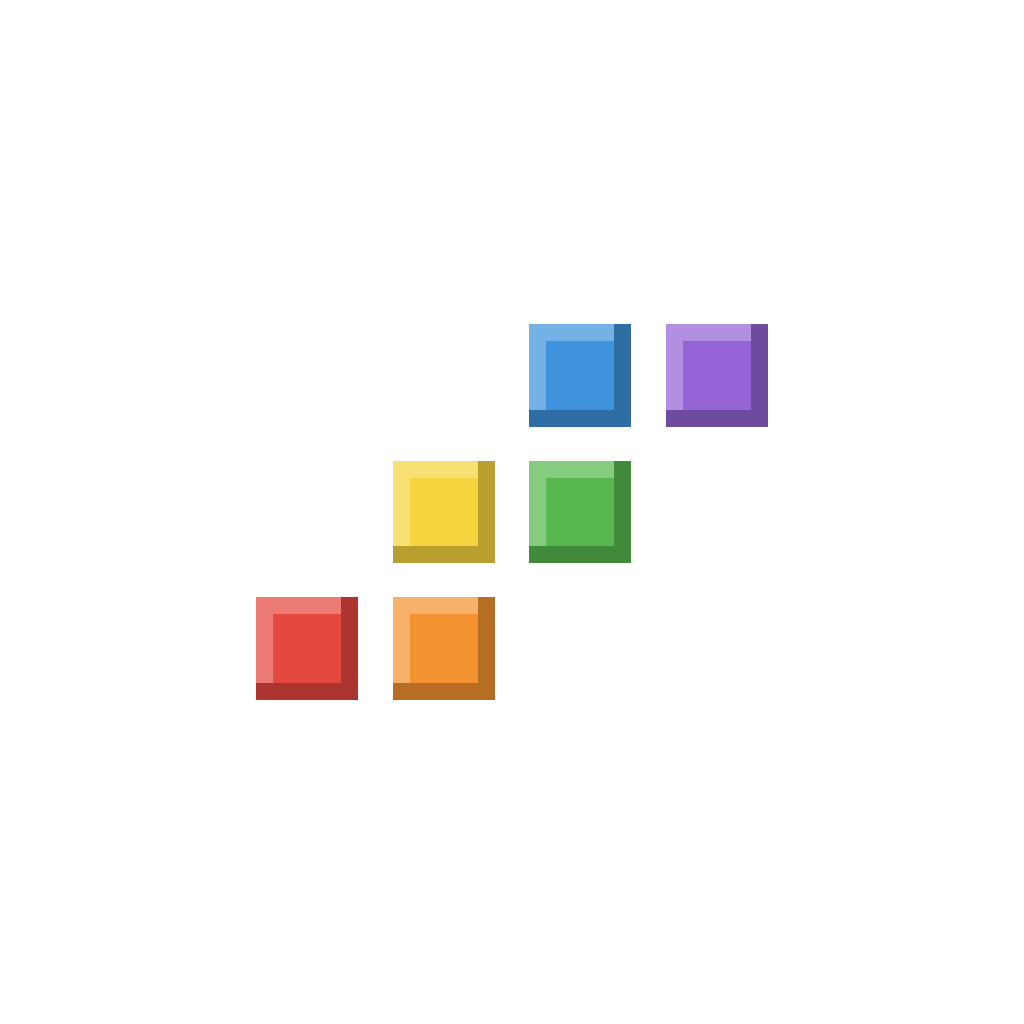
The flat mark drawn on a 16 pixel grid, so every square lands on whole pixels.
- tinybit-favicon.svg SVG
- tinybit-favicon-32.png PNG, 32
- tinybit-favicon-16.png PNG, 16


The mark
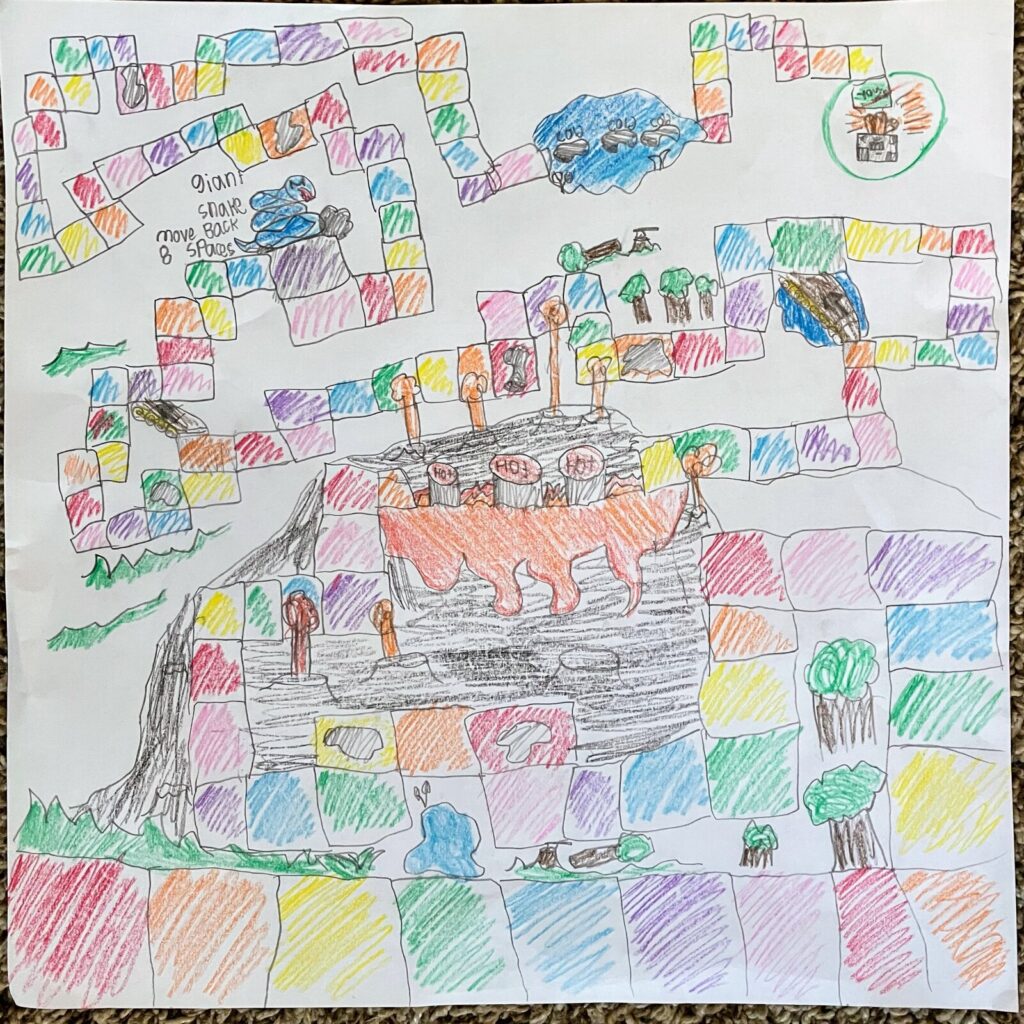
Tiny Bit Adventures began with a board game Isaiah drew in crayon: a winding path of coloured squares past a volcano and a giant snake. The mark is six of those squares, one tiny bit each, climbing from the bottom left to the top right like the next level.
The squares always run in crayon order: red, orange, yellow, green, blue, purple. Each square is 3 units with a 1 unit gap, on a 4 by 3 grid. That puts the whole mark at 15 by 11 units, so it lands on whole pixels at 15 and 16 pixels wide.
The wordmark is Pixelify Sans Bold with 1% extra tracking, its cap height centred on the mark. The files above have it outlined, so they never depend on the font.
Colour
Tiny Bit Adventures is set at night. Every colour on the site goes through one of these tokens. Select a swatch to copy its hex value.
The night
-
Night
#0E1330 --night
The darkest surfaces: header, footer and game frames.
-
Sky
#141B3A --sky
Page background. The ink colour on light backgrounds.
-
Dusk
#1C2550 --sky-2
Cards and panels.
-
Twilight
#2C3868 --sky-3
Card edges and dividers.
-
Line
#3F4F8A --line
Button edges.
-
Starlight
#EEF4FF --ink
Headings, body text and the wordmark.
-
Mist
#B4C2E6 --ink-2
Secondary text.
-
Haze
#8394C4 --ink-3
Captions and small labels.
-
Fox
#EE6A2E --fox
Primary buttons and the highlight in lists.
-
Gold
#FFD35C --gold
Links, focus rings and the start button.
The crayons
For the mark, the board path and game statuses. Don't use them for text or large backgrounds.
-
Red
#E5483F --red
The first square.
-
Orange
#F29230 --orange
The second square.
-
Yellow
#F6D43F --yellow
The third square. Also marks games in development.
-
Green
#56B84E --green
The fourth square. Also marks games you can play in the browser.
-
Blue
#3F93DC --blue
The fifth square. Also marks games you download.
-
Purple
#9464D6 --purple
The sixth square, at the top of the climb.
Game accents
Each game keeps its own accent. It colours that game's card, headings and buttons, and nothing else.
-
Fang the Fox
#EE6A2E tbg_accent
Set on the game in the admin.
-
Star Circuit
#5FB8F0 tbg_accent
Set on the game in the admin.
Type
Three families, each with one job.
Every game we've made.
Chakra Petch
Headings, navigation and buttons. Weights 500 to 700.
AaAaAa
Released March 14, 2023. 10 tracks, 30:25.
Atkinson Hyperlegible Next
Body text, dates and every number. Weights 400 to 700. Numbers set tabular where they line up in columns.
0123456789
Tiny Bit Adventures
Pixelify Sans
The wordmark only, in Bold. Its digits are hard to read at small sizes, so never set dates or numbers in it.
Using the mark
Do
- Use the crayon mark on the night colours or on white. Use the white mark on photos and busy backgrounds.
- Scale the mark as a whole. At 32 pixels and below, use the flat version; the bevel blurs.
- Keep clearspace of at least one square on every side.
- Use the lockup files as drawn. Don't set the name next to the mark by hand.
- Use the tile and avatar only where a square icon is required.
Don't
- Don't reorder, recolour or rotate the squares, or change the gap between them.
- Don't add a seventh square or take one away.
- Don't retype the wordmark in another font or weight.
- Don't use Fang as the studio logo. Fang belongs to Fang the Fox.
- Don't introduce colours outside this page.
- Don't use the mark smaller than 15 pixels wide, or the lockup smaller than 16 pixels tall.
Where it comes from
Before this, Tiny Bit Adventures had no logo; the name was set as plain text. The colours and the squares come straight from Isaiah's crayon map, which also runs along the bottom of every page on this site.